
Protect Your Company from Payment Fraud
A practical guide for agents, finance teams, and operational staff to verify payment instructions safely and prevent invoice fraud.
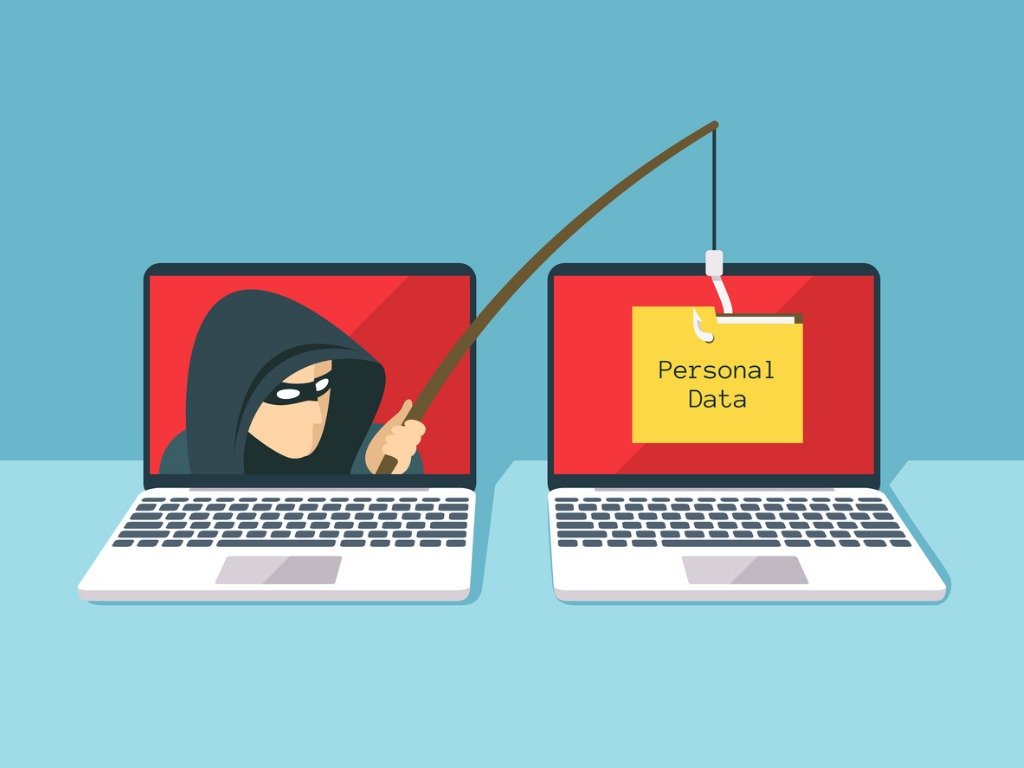
Spot warning signs
Fraudulent requests can look convincing. Small differences in identity or domain can cause major losses.
Verify before paying
Always confirm payment instructions through previously known contact channels.
Protect your team
Use a second-person review whenever a bank account or remittance instruction looks unusual.
Practical Security Tips
Follow these critical steps to reduce the risk of display-name deception and email impersonation.
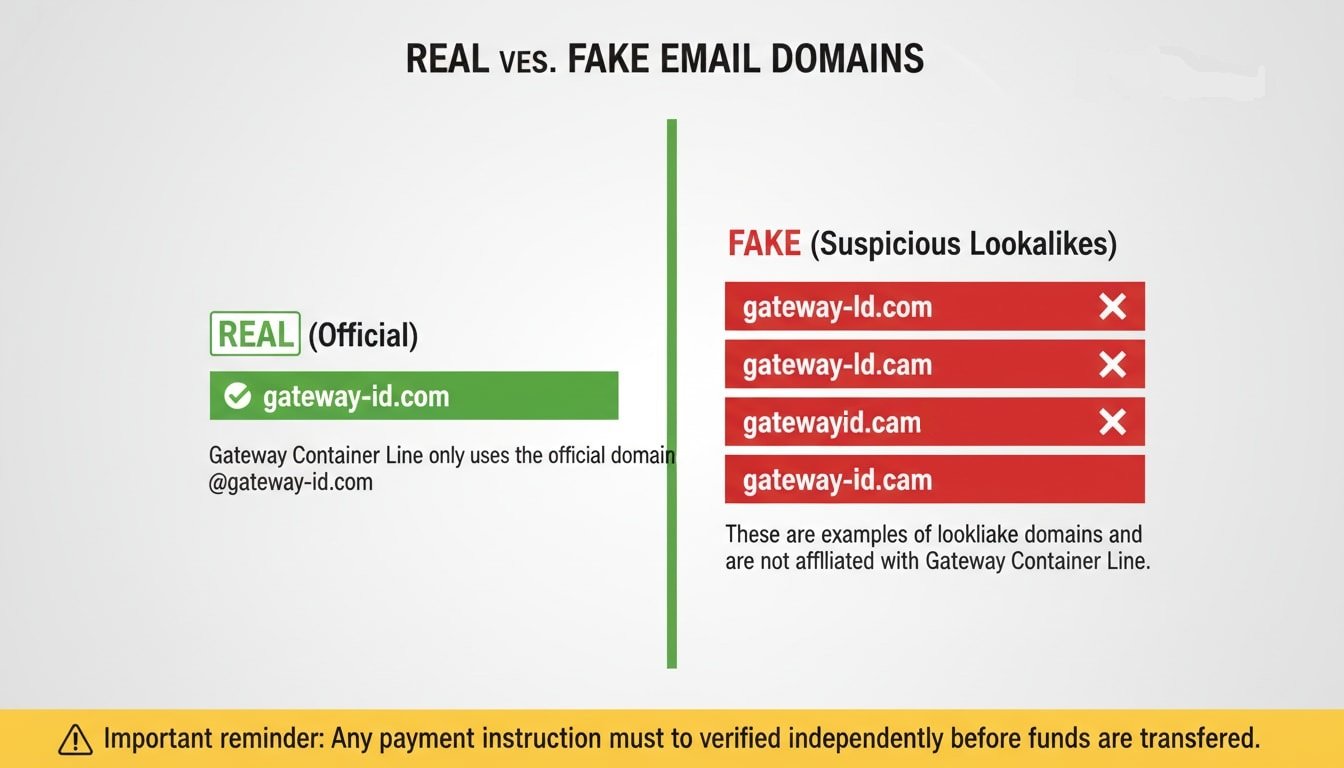
Inspect the full sender address
Do not rely only on the display name. Fraudsters use lookalike domains.
Fake display names in Outlook
Fraudsters may use a name like “accounting@gateway-id.com” in quotes to trick recipients. Always expand the sender details to view the real email address.
Bank account changes are high risk
Do not act on “updated bank details” via email without verification by phone. Do not override your normal approval process.
Use callback verification
Confirm the instruction by calling your Gateway contact using previously saved numbers, not new numbers from the email.
Urgency is a fraud tactic
Emails claiming payment is urgent, confidential, or must be made immediately to a new account are highly suspicious. Pause and escalate.
Review beneficiary details
Check for spelling differences in the company name, account number, and destination bank location before transferring.
Proactive IT Action: Block Fake Domains
Stop scams before they reach your team. Please forward this alert to your IT Department or Email Administrator and request them to proactively blacklist/block the known fraudulent domains at your server level (Exchange, Google Workspace, etc.).
Immediate Actions if You Suspect Fraud
Do Not Reply
Avoid continuing the conversation.
No Clicking
Do not open links or attachments.
Do Not Pay
Never release funds unverified.
Call Us
Verify officially via phone.
Official Reminder
All payment-related instructions must be independently verified through previously known and authorized contact channels.
If there is any doubt, pause the payment and verify first!